University of Colorado Anschutz Medical Campus

Welcome to AMBOSS - Let's activate your account

Follow these instructions to unlock your access to the world's leading medical study and reference platform. This license access will remain active until March 16, 2027.

  1. Register an AMBOSS account or log in to your existing account.
  2. Navigate to the top right corner of the platform where your name is displayed. Click on it and go to "Manage account".
  3. Go to "Membership & licenses", and then click on "IP and email verification".
  4. Click "Add new license". Select University of Colorado Anschutz Medical Campus Campus Access from the dropdown menu and click on “Next”.
  5. You will be prompted to provide a university email address. Provide a university email address with the following format: @cuanschutz.edu or @ucdenver.edu. Click on "Activate License" again.
  6. You will receive an email with the confirmation link. Simply click on it and you're all set.

Please, make sure to login using your verification method at least once every 30 days to keep your verification going

If you need help setting up your account or getting access to AMBOSS, please contact AMBOSS Customer Support.

University of Colorado Anschutz Medical Campus

Welcome to AMBOSS - Let's activate your account

Follow these instructions to unlock your access to the world's leading medical study and reference platform. This license access will remain active until March 16, 2027.

  1. Register an AMBOSS account or log in to your existing account.
  2. Navigate to the top right corner of the platform where your name is displayed. Click on it and go to "Manage account".
  3. Go to "Membership & licenses", and then click on "IP and email verification".
  4. Click "Add new license". Select University of Colorado Anschutz Medical Campus Campus Access from the dropdown menu and click on “Next”.
  5. You will be prompted to provide a university email address. Provide a university email address with the following format: @cuanschutz.edu or @ucdenver.edu. Click on "Activate License" again.
  6. You will receive an email with the confirmation link. Simply click on it and you're all set.

Please, make sure to login using your verification method at least once every 30 days to keep your verification going

If you need help setting up your account or getting access to AMBOSS, please contact AMBOSS Customer Support.

Why AMBOSS

Game-changing tools at every stage, from exam prep to clinical care.

Icon Quiz

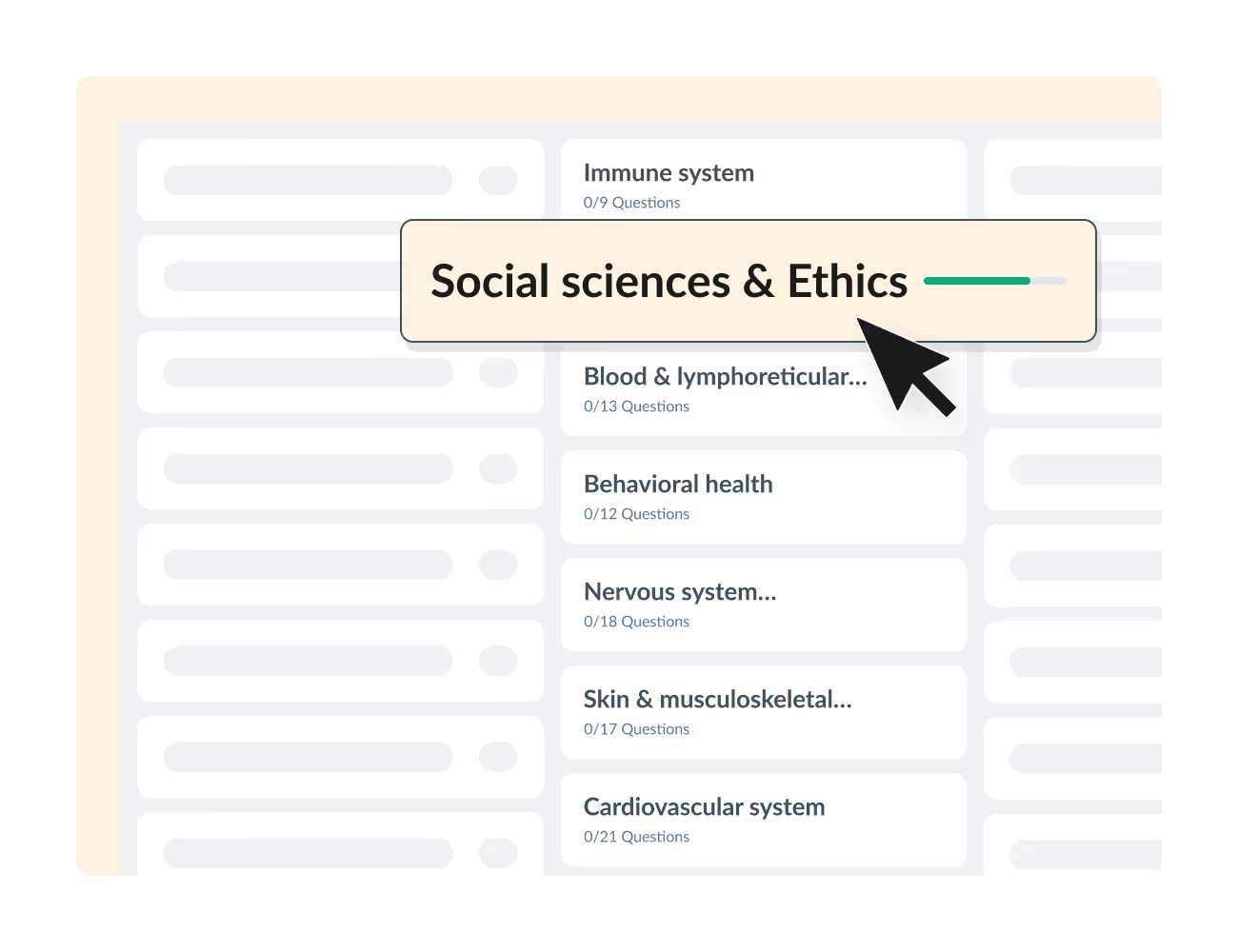
5,900+ high-yield practice questions for Step 1, Step 2, and Shelf exams, with side-by-side explanations from AMBOSS's library.

Explore 1,400+ interactive articles, with image overlays, illustrations, diagrams and more.

Get trustworthy answers on the go with our Knowledge app.
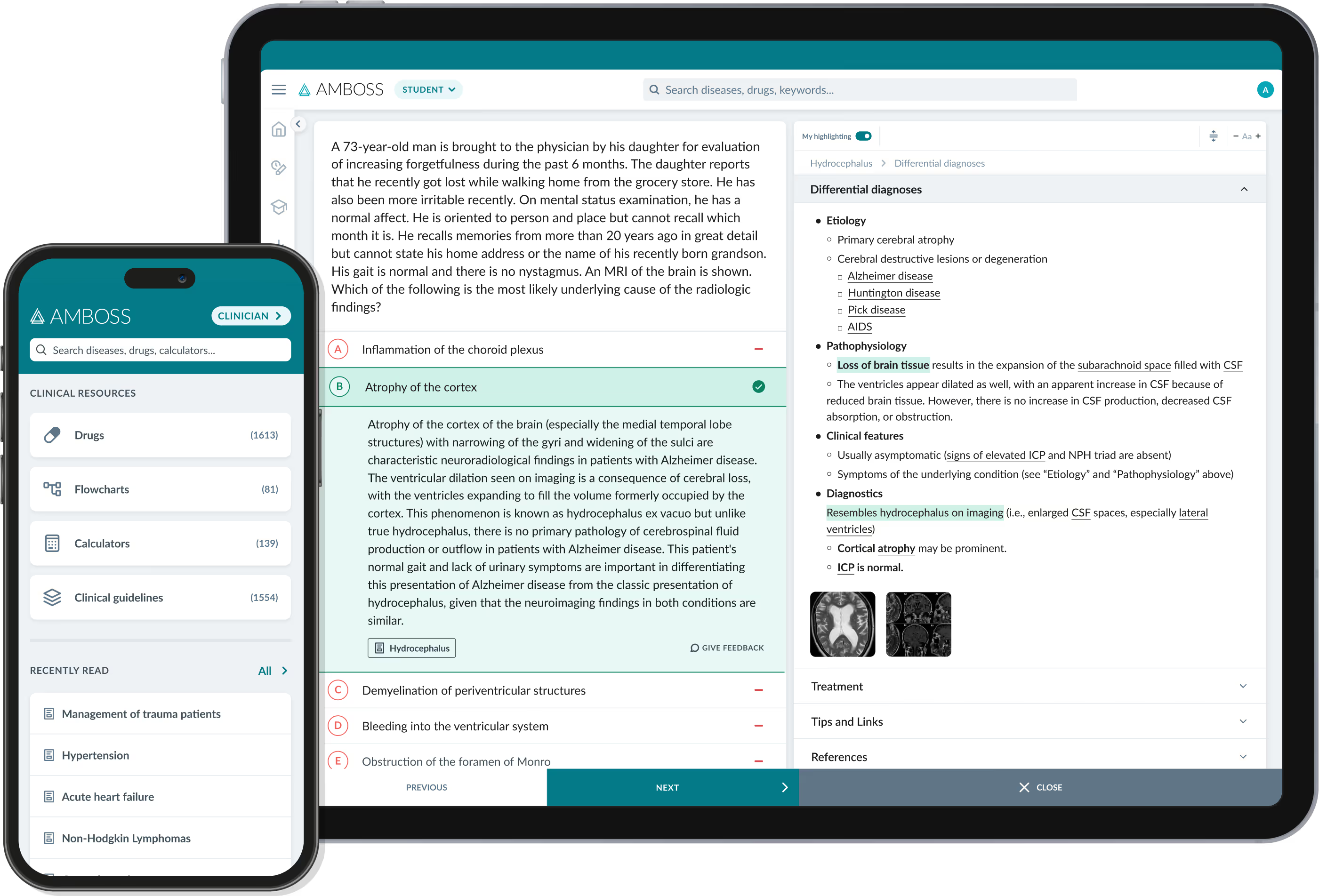
Seamlessly integrated library and Qbank.

  • Explanations on terms and conditions, without leaving your Qbank session.
  • 1,400+ articles on basic sciences, study materials, clinical tools, diagnostic algorithms, and more.
  • Access the library content anywhere you go - even offline - with the Knowledge App.

Predict your USMLE scores

  • Get an accurate prediction of your exam readiness
  • Submit more practice test scores to track your progress over time.
  • Get personalized study recommendations to close your knowledge gaps and boost your scores.

Your secret weapon on the wards during clerkships

  • Get instant explanations of medical terms in seconds with the Knowledge App
  • Dive into a primer before starting every core clerkship
  • Discern the details in medical imaging with overlays that train your clinical eye
  • Diagnose with accuracy using flowcharts that'll impress any Attending

Activate your account